Designing for Scale
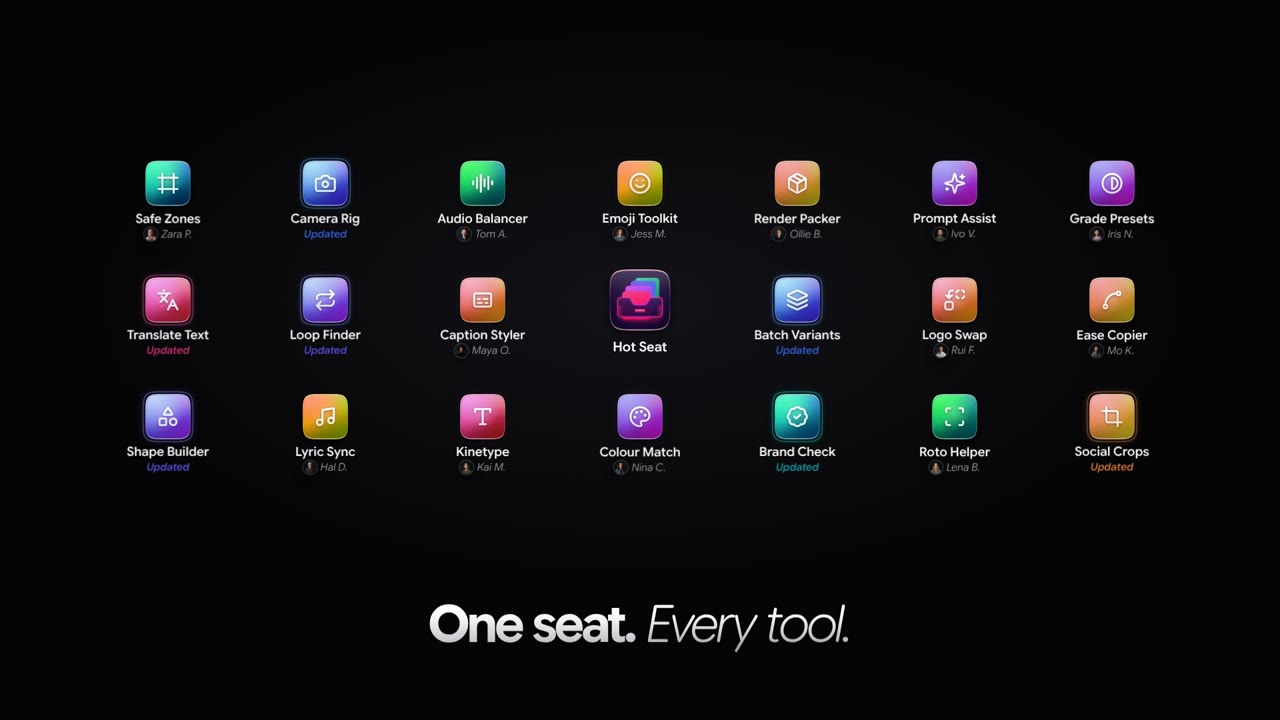
Native macOS app
A production system built around the work of motion designers.
I built MDKit Pro, a native macOS app that connects project planning, shared assets and After Effects around how Vidsy’s motion designers actually work.
From spreadsheet-driven localisations to complex delivery packages, it handles repetitive production work while leaving creative decisions with the designer.
A motion designer’s day involves far more than animation: preparing projects, making sense of client assets and delivering all the versions that follow the first film.
I started building tools for Vidsy’s motion team in 2022, a few months after joining. The first was a hand-coded ScriptUI panel for After Effects called MD Toolkit. As new problems emerged, it grew into a CEP extension, then a React-based toolkit, and eventually MDKit Pro: a native macOS app working alongside After Effects. Each generation came from something the team actually needed.
The work starts before anyone opens After Effects.
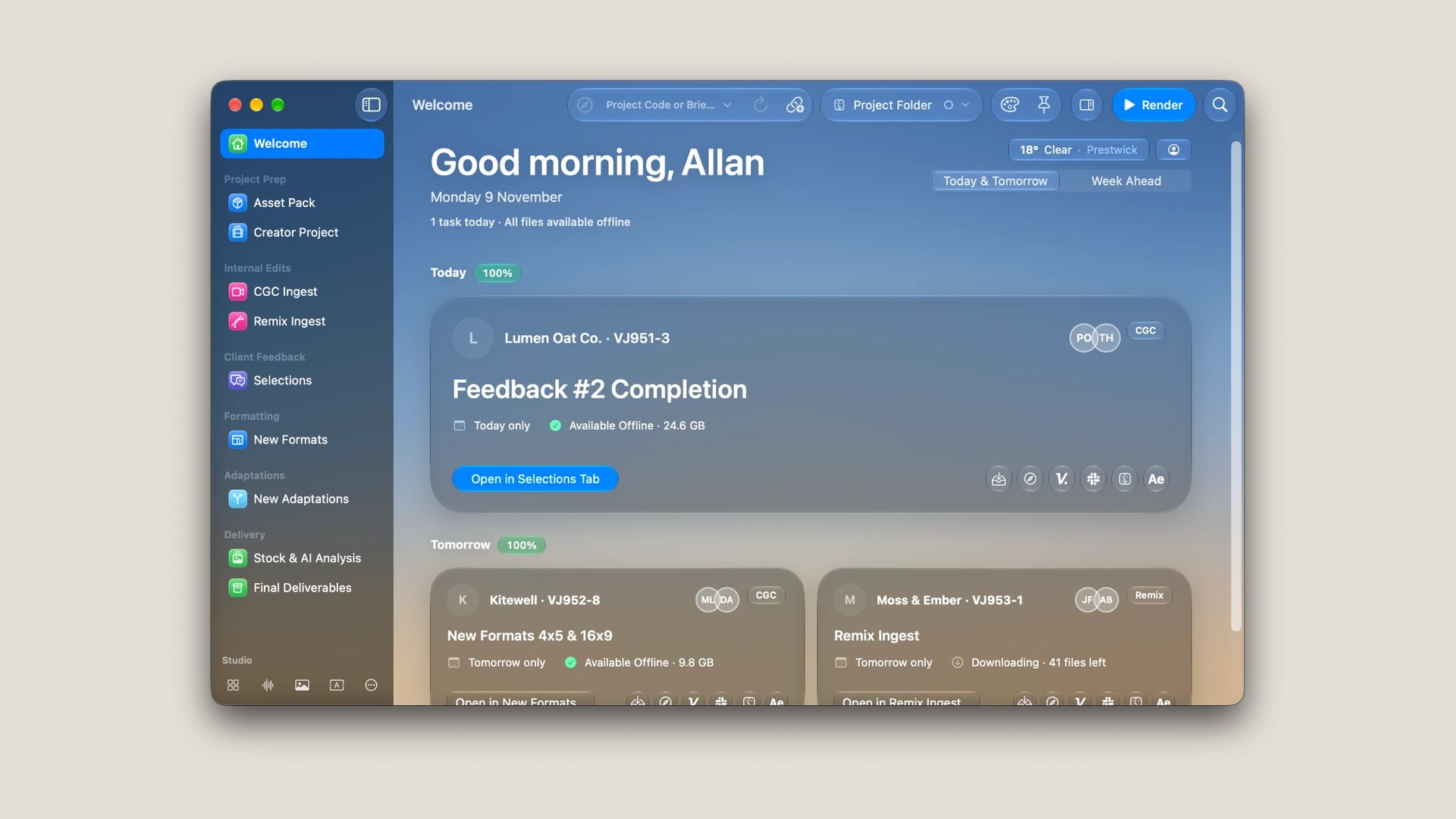
MDKit Pro connects to Airtable and Dropbox to see what’s coming up and prepare project files for offline use. Instead of remembering to download tomorrow’s assets, a designer can arrive to find them ready.
The Welcome screen brings together the day’s assignments, relevant files, recent After Effects projects and links to the places where the team is collaborating. It also helps organise incoming assets and set up new projects. These tasks aren’t the creative part of motion design, but they can consume a surprising amount of time.
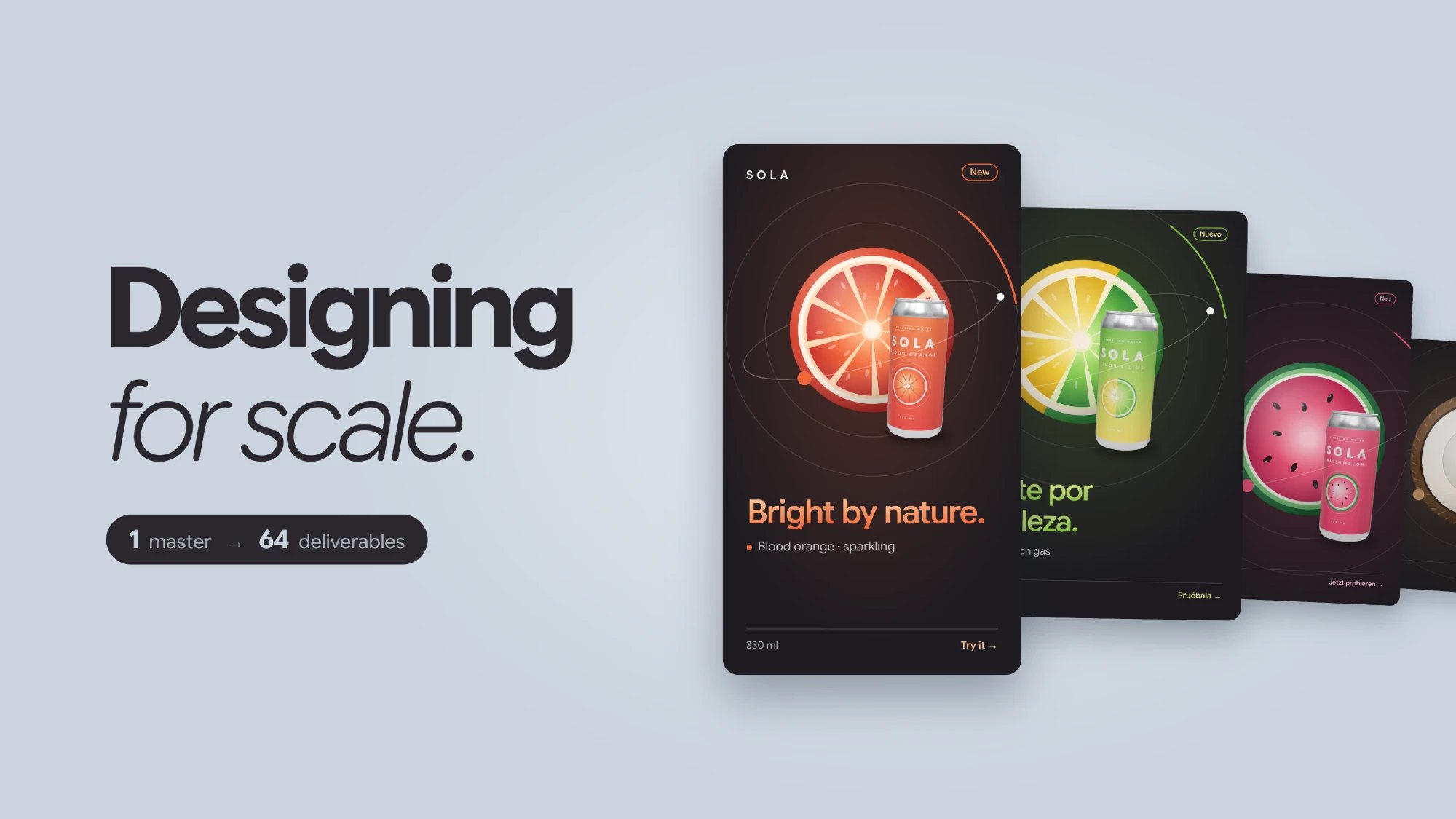
I’ve always designed master animations with their future versions in mind. Headlines must survive longer translations; a 9:16 composition may need to become 4:5, 1:1 or 16:9; and replacement products rarely share the same dimensions. I explore that approach further in Designing for Scale.
MDKit Pro makes those methods available to the wider team.
Reflow analyses a composition, detects subjects in the footage and reframes shots for new aspect ratios. It also moves text, logos and animated elements so each version feels deliberately composed, not merely cropped.
Adaptations reads instructions from a Google Sheet to create versions with different languages, products, imagery, footage or music. If no sheet exists, it can help build one by identifying which compositions and layers need to change. The team uses it on live projects to generate batches of editable After Effects versions.
But swapping assets isn’t always straightforward. A conditioner bottle might have completely different dimensions from the shampoo bottle it replaces. MDKit Pro adjusts its presentation inside After Effects without altering the original PNG. A new clip or music track might also have different timing, so the system offers choices rather than guessing the right editorial decision.
The aim is to automate predictable work and bring the designer in when judgement matters.
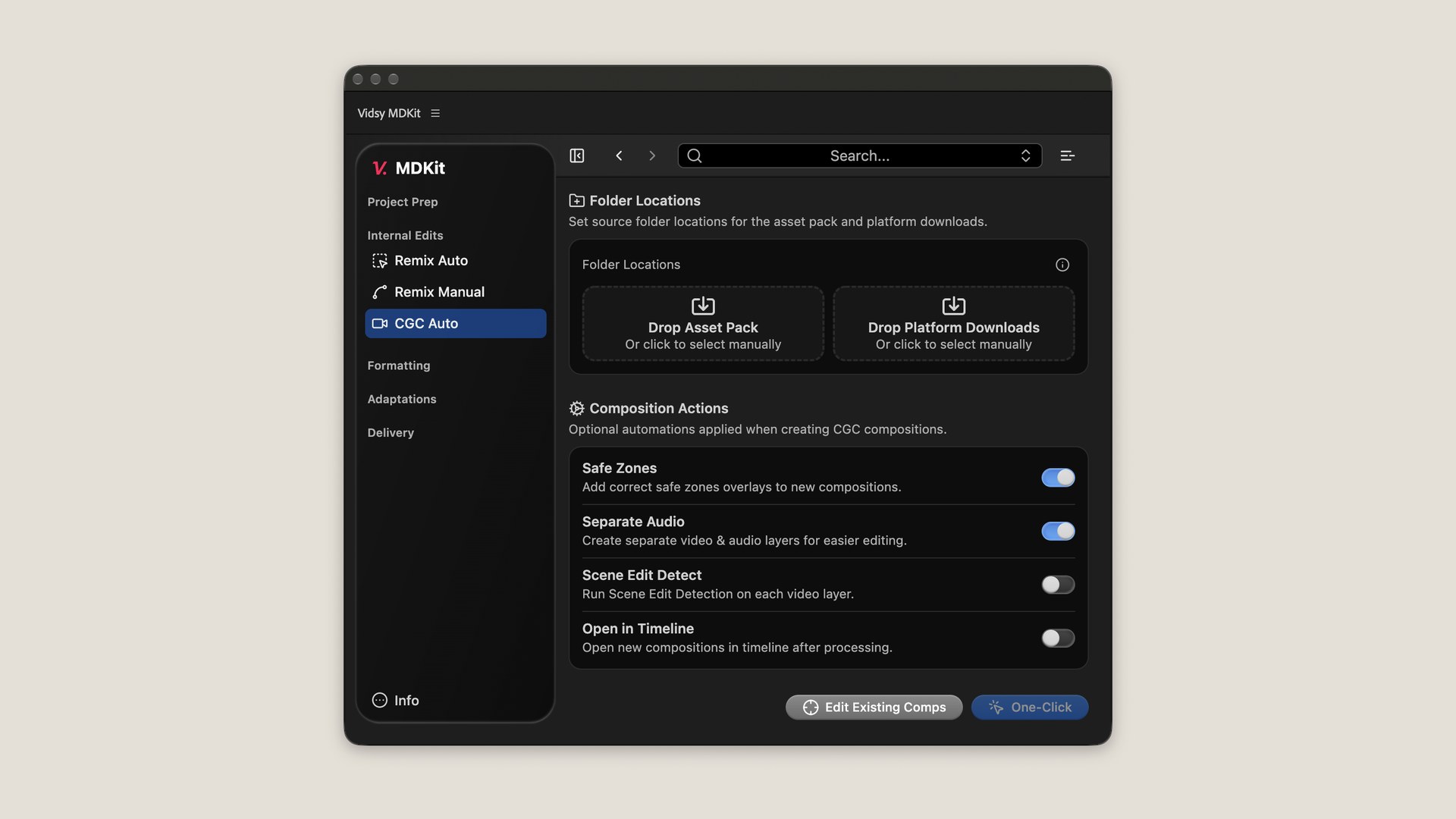
On one multi-market campaign, every finished video needed its own collected After Effects project, clean version, audio stems, mixdown, thumbnail and precisely named assets. Preparing the delivery for one market manually had taken a designer roughly eight hours.
I built a Google Sheet-driven workflow that could assemble the individual projects, prepare the required outputs and process renders in the background. For a subsequent market, the automated processing completed in about five minutes. The designer reported no manual corrections were needed to the resulting package.
There was still human preparation: the sheet had to specify the correct assets and filenames. That was a deliberate part of the design. I’d rather let someone state exactly what a client needs than have software make a confident guess.
Those five minutes were processing time, not the entire delivery from start to finish. The reduction in repetitive work was nevertheless substantial.
MDKit Pro has changed shape repeatedly, but its purpose hasn’t. I’ve shaped each iteration around the problems designers encounter, the feedback they give and the way the team actually works.
What matters to me alongside the time saved is hearing designers say that demanding assignments feel more manageable when the repetitive parts have a dependable way through them.
I still care about making the animation look right. MDKit Pro is what happened when I started applying that same care to everything it takes to make, adapt and deliver the work.