On-device music identification for a video production pipeline.
Context
At Vidsy, creators send finished videos with music, voiceover and sound effects baked into a single audio track. Before editing can begin, someone has to manually listen through and identify which supplied music track was used.
It's slow, repetitive and one of several manual steps I've been working to automate.
The bigger picture is a full production pipeline that handles audio separation, footage matching, text extraction, and edit reconstruction.
I'm breaking that down into standalone components, building and proving each one individually.
MusicMatch was the first: can you instantly identify a baked-in music track without relying on cloud APIs or racking up costs?

Role
- Problem identification
- Product design
- macOS development (Swift, SwiftUI, ShazamKit)
- UI Design
Solution
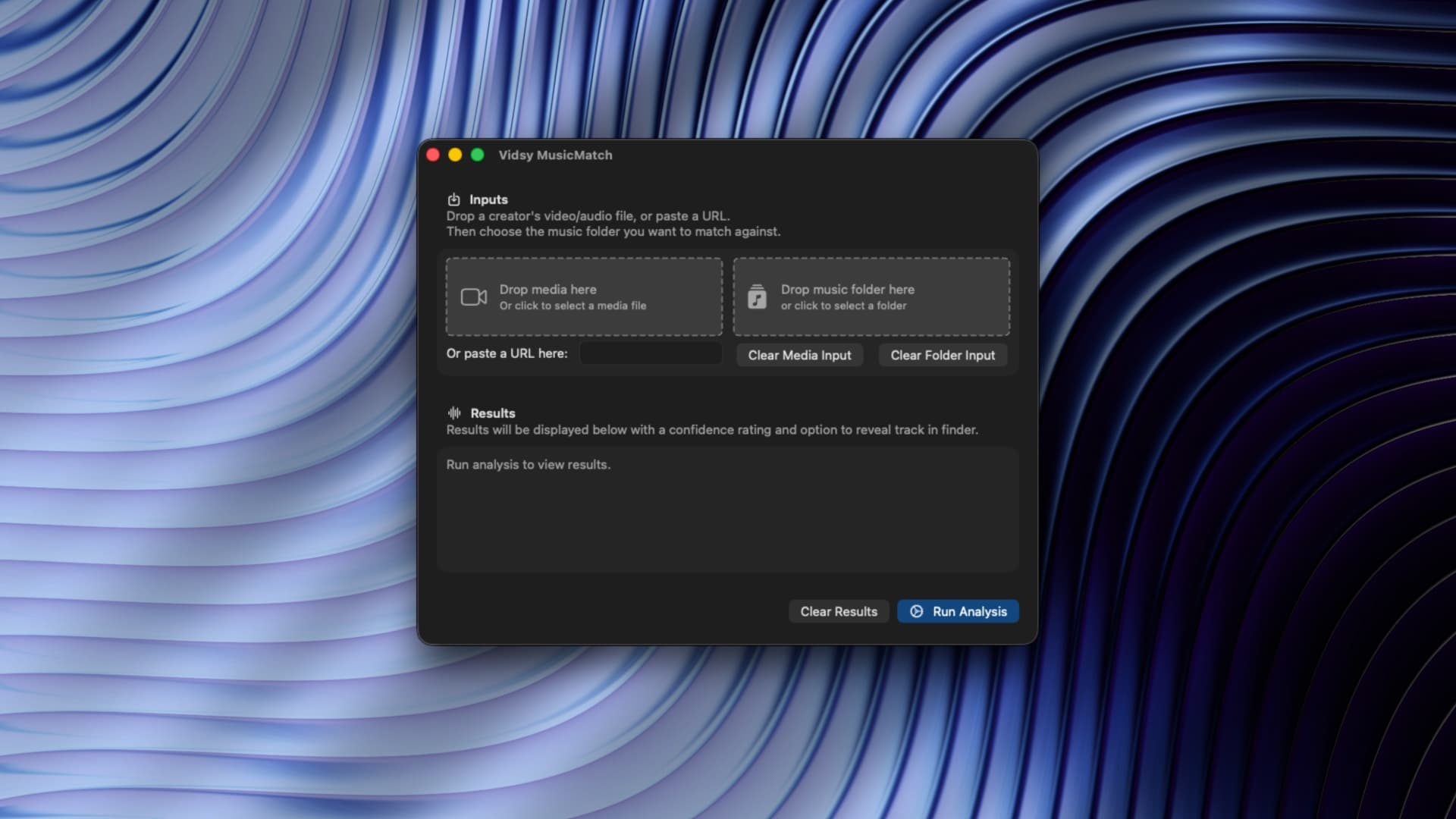
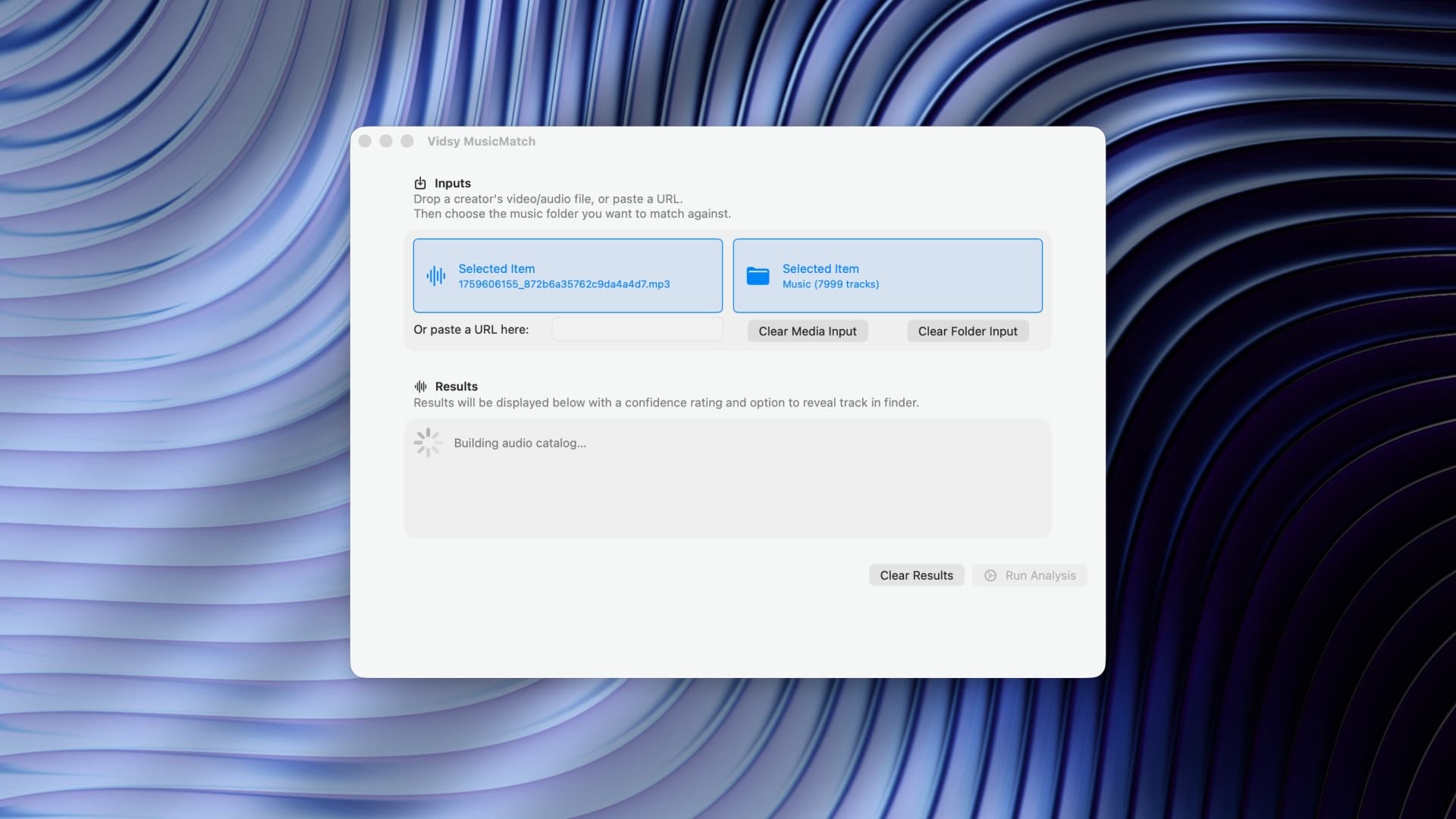
- Built a native macOS app that takes two inputs: a creator's video or audio file and a folder of supplied music tracks.
- Accepts local files or a direct platform link, downloading the video automatically if needed.
- Uses ShazamKit to fingerprint the audio and match it against every track in the library, including nested subfolders.
- Returns a ranked list of results with confidence percentages and a Reveal in Finder button for the matched track.
- Runs entirely on-device. No internet, no API keys, no cost per use. Local machine learning, instant results.
- UI is deliberately minimal: two drop zones, a link input, a progress bar, results. Nothing else.
Impact
A task that used to involve manual listening and guesswork now takes seconds.
The team's response was immediate. They called it the best tool they'd been given that year.
It's a small, focused utility that does exactly one job and does it well. It's also the first shipped proof that the larger automation pipeline works in practice, one component at a time.